Blinkit Onboarding Service by SellnGrow
Looking for a dependable blinkit onbording service to get your brand listed and live on India's fastest-growing quick-commerce app? SellnGrow handles the eligibility check, paperwork, catalog setup, and Category Manager coordination — so you go from application to your first purchase order without the usual back-and-forth.
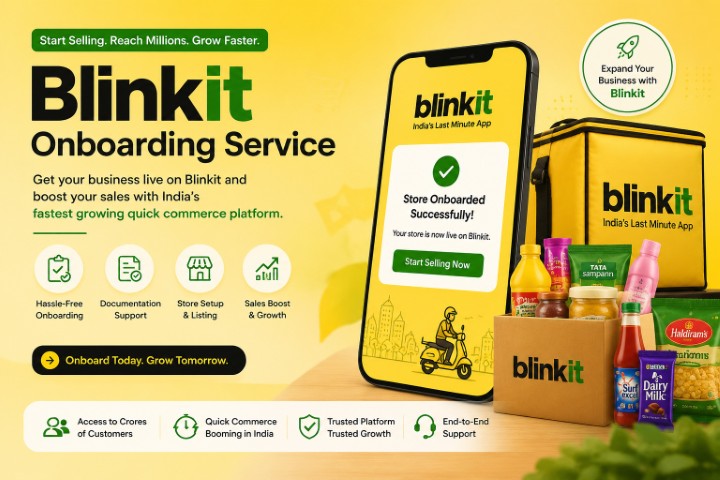
Why brands search for a "blinkit onbording service" in the first place
Blinkit runs a curated marketplace, not an open self-signup portal. Every application goes through an eligibility check, document verification, and a Category Manager who negotiates margins, cluster allocation, and go-live timing. Most rejections and delays come down to the same avoidable issues: mismatched documents, unclear category fit, or an incomplete catalog. That's the gap a dedicated onboarding service closes.
Curated, not open
Blinkit approves sellers case by case — category fit, pricing, and packaging all get reviewed before you're allowed to list.
Document mismatches stall approval
A GST name that doesn't exactly match your PAN or bank account is one of the most common causes of rejection.
Cluster & pincode limits
Some pincodes are already saturated with sellers in your category — knowing where to apply matters as much as the paperwork.
What SellnGrow's Blinkit onboarding service actually covers
A full-funnel service — from the first eligibility check to your account being live and taking orders.
- ✓Eligibility & category assessmentSellnGrow reviews your business type, product category, and target pincodes before you commit to the process.
- ✓Document preparation & verificationGST, PAN, FSSAI (for food/beverage), and bank details are checked for consistency to avoid the most common rejection triggers.
- ✓Brand deck & catalog buildA structured product catalog with images, pricing, and USPs, formatted the way Blinkit's review team expects to see it.
- ✓Portal registration & submissionEnd-to-end handling of the Seller Hub application so you're not learning the portal yourself.
- ✓Category Manager coordinationFollow-ups with Blinkit's onboarding and category teams to keep your application moving instead of sitting in a queue.
- ✓Go-live & listing setupGetting your first SKUs uploaded, categorised, and priced correctly once approval comes through.
- ✓Post-launch account supportOngoing help with catalog updates, new SKU additions, and account health once you're live.
Quick eligibility check
Tap what you already have ready. The more of these you can confirm, the faster SellnGrow can move your application through.
- Registered business entityProprietorship, LLP, or Private Limited with GST registration.
- GST certificate with matching nameName on GST must match your PAN and bank account exactly.
- FSSAI license (if applicable)Required for any food or beverage category listing.
- Product catalog readyClear images, pricing, and category-appropriate packaging.
- Consistent supply capabilityAbility to fulfil recurring orders into Blinkit's dark stores, not one-off batches.
The SellnGrow Blinkit onboarding process — done in 7 days
Here's the route your application takes once you hand it to SellnGrow.
Discovery call & eligibility check
SellnGrow reviews your business, category, and target locations to confirm you're a realistic fit for Blinkit before any paperwork starts.
Day 1Document collection & cleanup
GST, PAN, FSSAI, and bank details are gathered and cross-checked so names and numbers match exactly across every document.
Day 1–2Catalog & brand deck preparation
Product images, pricing, and category mapping are structured into the format Blinkit's review team expects.
Day 2–3Application submission
SellnGrow submits your seller application through Blinkit's official Seller Hub on your behalf.
Day 3Review & Category Manager follow-up
Blinkit's team reviews the application; SellnGrow follows up to resolve any queries and keep it from stalling.
Day 4–6Go-live & first listing
Once approved, your dashboard access is set up and initial SKUs are uploaded so your store goes live to nearby shoppers.
Day 7DIY application vs. going through SellnGrow
Illustrative comparison of where most first-time applicants lose time.
Typical time-to-go-live
Getting listed is step one
SellnGrow's post-launch support usually focuses on these five levers.
Common questions about SellnGrow's blinkit onbording service
Blinkit doesn't charge an upfront registration fee — sellers pay commission on orders instead. SellnGrow's onboarding service fee is separate and covers the work of preparing, submitting, and following up on your application.
Blinkit onboards registered entities with valid GST — proprietorship, LLP, or Private Limited. An individual without business registration typically won't clear the eligibility check.
The most common reasons are a name mismatch between GST, PAN, and bank account; blurry or incomplete document uploads; and applying in a category or pincode that's currently saturated with sellers.
Yes — food and beverage sellers go through the same core process with an added FSSAI license check and category-specific packaging compliance review.
SellnGrow's support typically continues into account management — adding new SKUs, updating pricing, and monitoring account health so your listings stay visible.
Ready to get your brand live on Blinkit?
Have your GST, PAN, and a basic product list ready, and SellnGrow can take you from application to go-live in as little as 7 days.
Get started with SellnGrow →